
How to Turn SOPs and Process Documentation Into Training Videos With AI?
Your company has documented every important process. There are SOPs for onboarding, customer support, compliance, and daily operations. Yet employees still ask the same questions, and managers spend hours explaining procedures that are already written down.
The problem isn't always a lack of documentation. Written instructions can be hard to follow, especially when a task involves multiple steps or decisions.
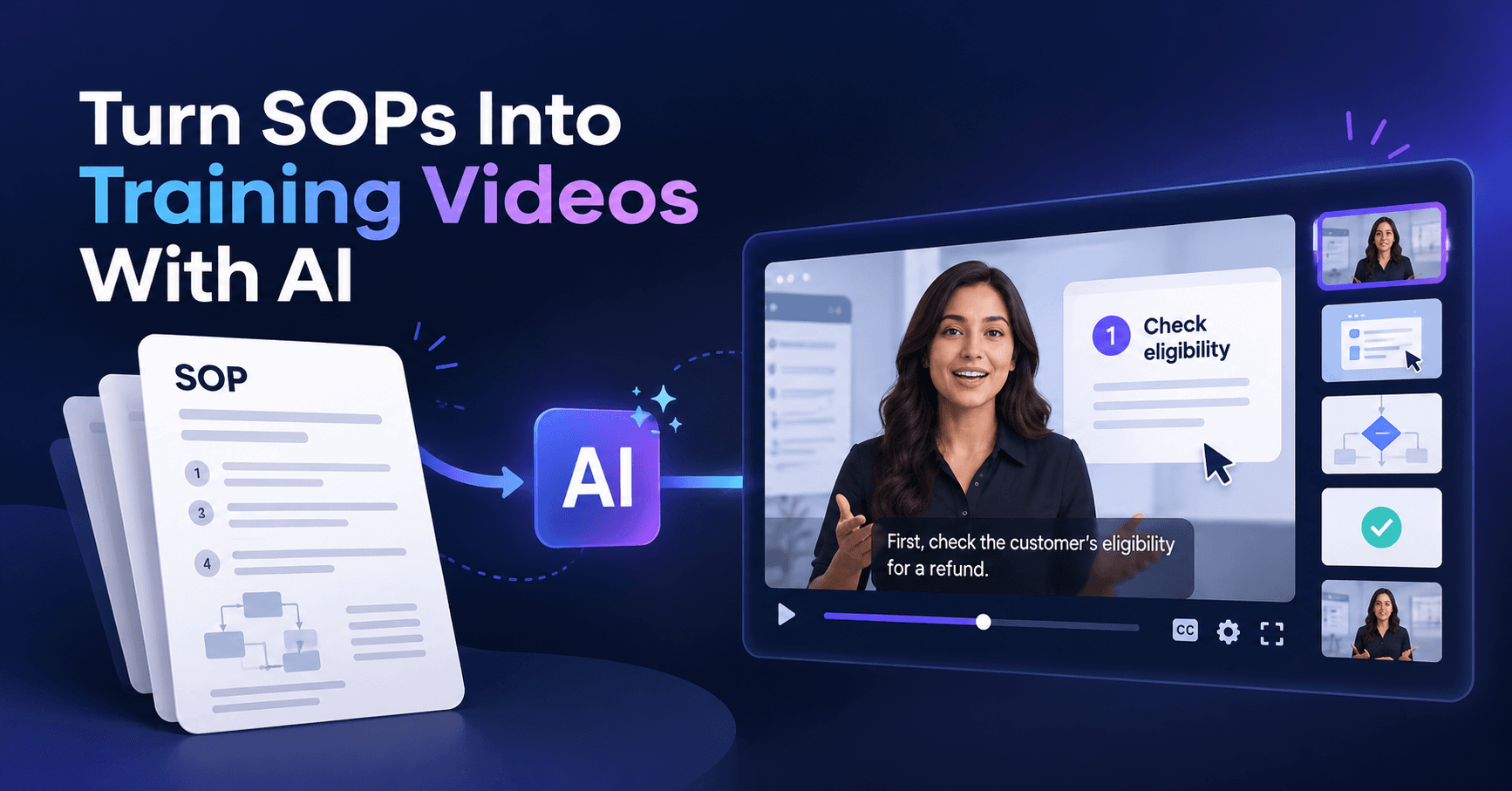
AI offers a practical solution. You can turn existing SOPs and process documents into training videos that show employees what to do, how to do it, and what to avoid.
Here's how to create effective SOP training videos with AI without starting from scratch.
Why Turn SOPs and Process Documentation Into Training Videos?
Standard operating procedures (SOPs) help businesses maintain consistency. They document how to perform tasks, who is responsible, and which rules employees must follow.
However, reading a document and performing a task are different.
Consider a new customer support employee learning how to process refunds. A written SOP might explain the eligibility criteria, approval limits, and escalation process. But the employee may still struggle to understand how these steps work in real situations.
A training video can demonstrate the workflow using visuals, narration, and examples.
Converting SOPs into videos can help businesses:
- Simplify complex procedures: Show employees how to perform tasks instead of relying entirely on written explanations.
- Deliver consistent training: Give employees across teams and locations access to the same instructions.
- Reduce repetitive explanations: Let employees revisit training whenever they need a refresher.
- Update training more efficiently: When a process changes, modify only the affected scenes instead of re-recording everything.
With an AI training video generator, you can handle much of the scripting, visual creation, and editing without a traditional production setup.
How to Turn SOPs Into Training Videos With AI
You don't need to rewrite every process document or hire a video production team. The key is to prepare the right information and use AI to turn it into clear, visual instructions.
Here's a seven-step process.
Step 1: Choose the Right SOP or Process Document
Start with a process employees frequently need help understanding.
Good candidates include employee onboarding, software workflows, customer support procedures, safety instructions, and internal approval processes.
Choose an SOP that is current, approved, and detailed enough to explain the task accurately.
Before creating the video, answer three questions:
- Who will watch this training?
- What should they be able to do afterward?
- Which mistakes or misunderstandings should the video prevent?
For example, if you're converting a customer refund SOP, the objective might be to teach support representatives how to check eligibility, process approved refunds, and escalate exceptions.
This keeps the video focused on a specific learning outcome rather than simply presenting the entire document.
Step 2: Organize the SOP Into Clear Training Steps
Most SOPs are written for documentation, not video instruction.
They may contain policy references, lengthy explanations, tables, and administrative details. Putting all that text into a video can make training harder to follow.
Instead, divide the document into smaller sections based on what employees need to do.
For a refund process, the structure could be:
- Open the customer's refund request.
- Verify the purchase and refund eligibility.
- Check whether additional approval is required.
- Process the approved refund.
- Notify the customer and update the records.
Identify important decision points, exceptions, and warnings alongside these actions.
For instance, what happens when a refund exceeds the employee's approval limit? That decision deserves its own explanation.
Keep the approved SOP as your source of truth. The goal is to simplify how the information is presented, not remove essential instructions.
Step 3: Use AI to Generate a Training Video Script
Once the process is organized, use AI to convert the instructions into a training script.
An AI tool can transform formal documentation into conversational narration, organize content into scenes, and suggest where visual explanations would help.
However, the script's quality depends on the context you provide.
A useful prompt might look like this:
Convert this customer refund SOP into a training video script for new support employees. Use simple language and divide the process into short scenes. Explain each action in sequence, include important approval requirements, and highlight common mistakes. Do not invent steps or policies that aren't in the document.
The resulting script should contain three elements:
- Narration: What employees will hear.
- Visual direction: What they should see on screen.
- Key takeaway: What they need to remember or do.
Review the script against the original SOP before moving into production.
AI can simplify language, but it may misinterpret approval rules, omit exceptions, or introduce instructions that weren't present in the source.
Step 4: Turn the Script Into Visual Scenes
This is where process documentation becomes actual video training.
Instead of displaying paragraphs on screen, use visuals that demonstrate each step.
Different procedures require different visual approaches:
Type of Process | Suitable Visuals |
|---|---|
Software Workflows | Screen recordings, interface highlights, and cursor demonstrations |
Approval Procedures | Flowcharts, decision trees, and animated diagrams |
Employee Onboarding | Workplace scenarios, illustrations, and text callouts |
Equipment Procedures | Real demonstrations, labeled components, and safety warnings |
Customer Service | Example conversations and scenario-based scenes |
For the refund example, one scene might show an employee reviewing an order. Another could illustrate the approval decision using a simple flowchart.
AI video creation tools can help generate scene layouts, animations, and supporting visuals from a script.
With GaiN, teams can work with AI-assisted storyboarding, motion graphics, and visual storytelling to turn business knowledge into structured video content.
The important principle is that every visual should help employees understand the process. Attractive animations alone don't make a video useful.
Step 5: Add Voiceovers, Captions, and Branding
Once the scenes are ready, add narration and supporting elements that make the video easier to follow.
AI-generated voiceovers can reduce the need to record narration manually. Choose a voice that sounds natural and maintains a clear, steady pace.
Keep sentences short and avoid reading long blocks of policy language aloud.
Also include:
- Captions: Help employees follow spoken instructions and support accessibility.
- On-screen labels: Highlight important actions, fields, or warnings.
- Brand elements: Use consistent fonts, colors, and visual styles.
- Section transitions: Make it clear when the video moves to another part of the process.
For technical training, confirm that the narration pronounces product names, acronyms, and specialized terms correctly.
Avoid crowding the screen with text. Employees should be able to watch the demonstration without constantly switching between reading and listening.
Step 6: Review the Video With Subject Matter Experts
AI can accelerate video production, but it cannot independently confirm that every instruction matches your organization's approved procedures.
Before publishing, ask the process owner or subject matter expert (SME) to review the finished video.
They should verify:
- The sequence of actions is correct.
- Approval limits and policy details are accurate.
- Exceptions and escalation paths are included.
- Screenshots and interface labels match the current system.
- Safety warnings and compliance requirements haven't been omitted.
For example, a refund training video must not suggest that employees can approve transactions beyond their authorized limits.
Test the video with someone who is unfamiliar with the process. Ask them to explain or perform the steps afterward.
If they struggle, identify which scene needs clarification.
Step 7: Publish and Share the Training Video
After approval, export the video in a format your training platform supports.
Depending on your organization's setup, you can share it through a learning management system (LMS), employee knowledge base, onboarding portal, or internal communication channel.
Organize videos by department, task, or employee role so people can find them later.
Include a link to the original SOP for employees who need the complete policy details.
For important procedures, consider adding a short knowledge check or supervised practice task.
The objective isn't simply to get employees to watch the video. It's to help them perform the process correctly.
Best Practices for Creating Effective SOP Training Videos
A well-produced video isn't necessarily an effective training resource. Keep these practices in mind.
Focus on one task at a time: Avoid combining several unrelated procedures into one long video. Break complex workflows into smaller modules that employees can revisit independently.
Show decisions, not just actions: Employees often understand the standard steps but struggle when something unexpected happens. Use scenarios and decision trees to explain exceptions.
Choose visuals based on the task: A software tutorial needs accurate interface demonstrations, while an approval workflow may be easier to explain with a diagram. Don't use generic visuals when a real demonstration is necessary.
Check whether employees can apply the training: Video completion rates tell you who watched, not who understood. Use assessments, task observations, or error trends to identify where training needs improvement.
How to Keep SOP Training Videos Updated
Business processes change. Software interfaces get redesigned, policies are revised, and approval workflows evolve.
Your training videos need to reflect those changes.
Assign an owner to each video and record which SOP version it represents. When the documentation changes, identify the affected scenes and revise them.
AI-assisted editing can make these updates easier because teams can adjust scripts, narration, and visuals without recreating the entire video.
After reviewing the changes, replace outdated training materials and inform affected employees.
The approved SOP should remain the source of truth, with the video serving as its instructional companion.
Turn Existing Process Knowledge Into Better Training
Your organization already has valuable knowledge stored in SOPs and process documentation. Turning that information into training videos can make it easier for employees to understand and apply.
AI helps reduce the effort involved in scripting, storyboarding, creating visuals, and making revisions. Human experts ensure the final instructions remain accurate.
With GaiN, teams can bring organizational knowledge into an AI-assisted video production workflow and create engaging, editable training content without starting from scratch every time.
Frequently Asked Questions (FAQ's)
Can AI turn a PDF or Word SOP into a training video?
Yes. AI tools can extract information from SOP documents and help organize it into scripts, scenes, and narration. Supported file formats vary by platform, and you should check the generated content against the approved document.
How long should an SOP training video be?
Keep videos as short as the task allows. A simple procedure may need only a few minutes, while complex workflows may work better as several focused videos.
Can AI-generated training videos be updated when procedures change?
Yes. Many AI video tools let you edit scripts, visuals, and voiceovers after initial production. Review the updated content with the process owner before publishing it to employees.
What types of SOPs can be converted into AI training videos?
You can convert SOPs for employee onboarding, customer service, software workflows, compliance, and daily operations into training videos. AI helps organize written instructions into clear scripts, visuals, and narration.
Do you need video editing skills to create SOP training videos with AI?
No. Many AI video creation tools handle scripting, scene generation, voiceovers, and basic editing. You can review and customize the videos without advanced technical or editing skills.
Arindam M— Technical and AI Content Writer
Building the AI production layer for enterprise video.