
Talking-Head Avatars vs Visual Storytelling: Which AI Format Should You Use?
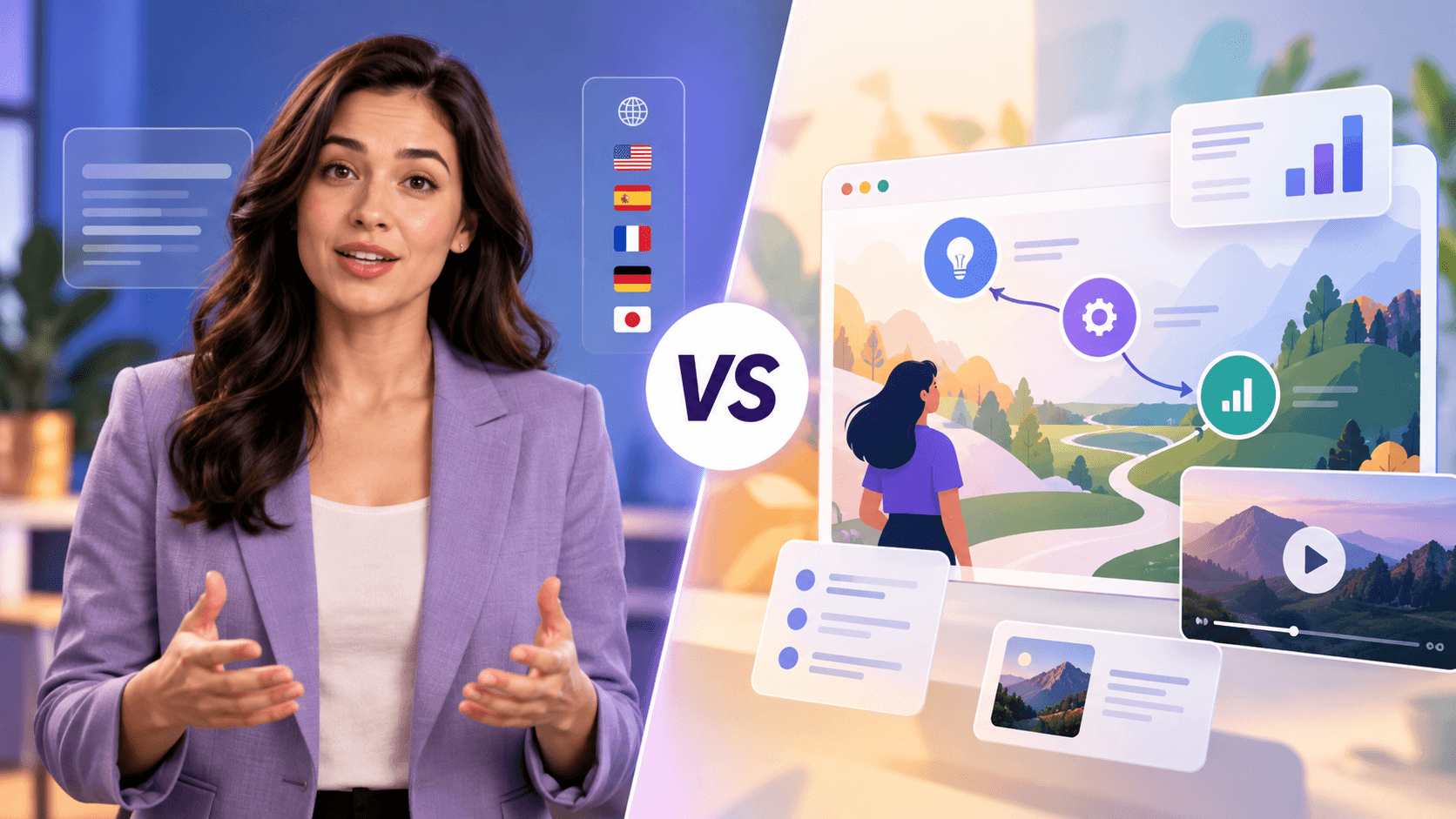
AI video creation has become easier than ever. You can type a script, choose a digital presenter, and generate a video without a camera, studio, or actors. But does having an AI avatar speak your message mean your audience will understand it?
Not always.
A talking-head avatar can deliver information clearly. However, some ideas are easier to understand when people can see them in action. That's where visual storytelling comes in.
For businesses creating training videos, product explainers, sales content, or internal communications, choosing the right format matters.
Let's compare talking-head avatars vs visual storytelling, understand their strengths and limitations, and see which format works best for different business needs.
What Are Talking-Head Avatars and Visual Storytelling?
Both formats use AI to simplify video production, but they communicate information differently.
What Are Talking-Head AI Avatars?
Talking-head avatars are AI-generated digital presenters that speak directly to the camera. You provide a script, select an avatar and voice, and the platform generates a video with synchronized speech and facial movements.
These videos resemble a person delivering a presentation.
Businesses commonly use them for:
- Employee announcements and onboarding messages
- Corporate training introductions
- Personalized sales messages
- Multilingual communications
- Standardized instructional content
Their biggest advantage is consistency. Teams can produce presenter-led videos without arranging shoots or recording every update.
However, watching an avatar explain something isn't always the same as seeing it in action.
What Is AI Visual Storytelling?
AI visual storytelling communicates ideas through a sequence of relevant visuals, narration, motion graphics, animations, and cinematic scenes.
Instead of relying on a presenter to explain everything, the visuals help carry the message.
For example, a cybersecurity video could show how a phishing attack moves through an organization. An animated product explainer could demonstrate how information flows between connected systems.
The goal isn't simply to make videos visually attractive. It's to help viewers understand information by showing it.
Talking-Head Avatars vs Visual Storytelling: Key Differences
The main difference lies in how information reaches the viewer.
Talking-head videos rely primarily on spoken explanations. Visual storytelling combines narration with scenes that illustrate the subject.
Here's how they compare:
Factor | Talking-Head Avatars | Visual Storytelling |
|---|---|---|
Primary Format | Digital presenter speaking | Narration with visuals, animation, and scenes |
Best Suited For | Announcements, introductions, scripted updates | Demonstrations, processes, concepts, and explanations |
Visual Engagement | Primarily presenter-focused | Changes with the information being explained |
Complex Information | Often needs supporting graphics | Can illustrate relationships and processes directly |
Personalization | Presenter, script, voice, and language | Scenes, examples, visuals, and narration |
Production | Usually straightforward for scripted content | Depends on visual complexity and production tools |
Updates | Often require script revisions | May require narration or scene-level changes |
Neither format is automatically better.
A well-written avatar video can communicate a short policy update effectively. Meanwhile, an animated video filled with irrelevant graphics may confuse viewers.
The important question is whether the chosen visuals help the audience achieve the video's purpose.
When Should You Use Talking-Head AI Avatars?
Talking-head avatars work particularly well when the message benefits from a consistent presenter.
1. Company Announcements
HR teams can use avatars to communicate policy changes, benefits updates, or organizational announcements.
The information is usually straightforward, so an elaborate visual narrative may be unnecessary.
2. Multilingual Communication
Organizations with international teams can create versions of the same message in different languages.
Many avatar platforms support multilingual voices and lip synchronization, reducing the need for separate recordings.
3. Standardized Training Introductions
An avatar can welcome new employees, introduce a training module, or set expectations.
This creates a consistent experience across departments and locations.
4. Personalized Sales Outreach
Sales teams can use avatar-led videos to introduce themselves, address prospects, or explain a specific offer.
However, the format becomes less effective when the message requires a detailed demonstration.
The limitation: If an avatar spends several minutes describing a complicated process without showing it, viewers must mentally reconstruct the information themselves.
That's where visual storytelling can help.
When Is Visual Storytelling the Better Choice?
Visual storytelling becomes especially useful when understanding depends on seeing relationships, actions, or changes.
1. Explaining Complex Processes
Imagine teaching employees how an expense reimbursement request moves through finance, management, and payroll.
An avatar could describe each stage.
But an animated workflow can show the request moving between departments, highlight approval points, and explain what happens when information is missing.
The viewer sees the process instead of imagining it.
2. Demonstrating Product Features
Product marketers frequently need to explain how a new feature works.
A talking-head avatar can announce the release. But screen recordings, animated interfaces, and visual walkthroughs can show users what changed and how to use it.
This is particularly helpful for SaaS products with multiple steps or connected workflows.
3. Making Abstract Concepts Understandable
Topics such as cloud infrastructure, financial forecasting, or data security aren't always easy to explain verbally.
Motion graphics can illustrate invisible processes, relationships, and information flows.
Research on multimedia learning supports combining relevant words and graphics to improve understanding. However, visuals should clarify the explanation, not distract from it.
4. Building a Stronger Narrative
Visual storytelling can also show problems, consequences, and solutions.
For example, a cybersecurity awareness video could follow an employee receiving a suspicious email, clicking a link, and triggering a security incident.
The sequence makes the consequences easier to follow than a presenter simply listing risks.
Which AI Video Format Works Best for Your Business?
The right choice depends on what your audience needs to learn, understand, or do.
For Learning and Development Teams
Use talking-head avatars for welcome messages, course introductions, and standardized announcements.
Choose visual storytelling when teaching procedures, explaining systems, or demonstrating workplace scenarios.
For instance, an avatar can deliver a compliance introduction. A video showing how to identify and report a suspicious transaction benefits from visual examples.
For Product Marketing Teams
Avatars can introduce launches or deliver short updates.
Visual storytelling works better when demonstrating features, explaining product benefits, or showing how a solution addresses customer problems.
A product announcement tells customers what's new. A visual walkthrough helps them understand why it matters.
For Sales Enablement Teams
Avatar videos can support personalized introductions and communication with prospects.
Visual storytelling can explain ROI, illustrate customer challenges, compare solutions, and simplify complex offerings.
A salesperson might introduce a proposal through an avatar-led message, followed by an animated explanation of the recommended solution.
For HR and Education Teams
HR departments can use avatars for routine communications and visual storytelling for onboarding journeys or process training.
Educators can similarly combine presenter-led introductions with animations that explain scientific, mathematical, or technical concepts.
The format should follow the learning objective, not the other way around.
Can You Combine Talking-Head Avatars and Visual Storytelling?
Absolutely. In many situations, a hybrid approach makes sense.
Consider a product training video:
- Introduction: An AI avatar welcomes viewers and explains the learning objective.
- Demonstration: Screen recordings and motion graphics show how the product works.
- Explanation: Narration highlights important steps and common mistakes.
- Summary: The avatar returns to reinforce key takeaways.
This approach gives the video a recognizable presenter without making viewers watch a static talking head throughout.
The key is to use each format where it contributes the most.
A presenter can introduce context. Visuals can demonstrate the details.
How GaiN Helps Businesses Go Beyond Talking Heads
Creating visually engaging videos traditionally requires scripting, storyboarding, design, animation, editing, and multiple review cycles.
For business teams producing content regularly, coordinating these stages can slow things down.
GaiN approaches AI video production through co-creation, not by simply generating a presenter-led video from a script.
Its AI-powered workflow helps teams turn ideas and organizational knowledge into structured visual narratives.
With GaiN, businesses can:
- Develop video stories: Turn ideas and existing content into scripts and storyboards.
- Create meaningful visuals: Combine motion graphics and cinematic scenes to explain concepts.
- Maintain business context: Incorporate organizational knowledge, brand guidelines, and relevant assets.
- Refine videos naturally: Request changes to scenes, narration, or pacing using conversational instructions.
The emphasis is on making videos that communicate information clearly, not merely placing a digital face in front of a script.
Explore how GaiN combines motion graphics and cinematic storytelling to support business video creation.
Choose the Format That Serves Your Message
Talking-head avatars and visual storytelling solve different communication problems.
If you need a consistent presenter for announcements, introductions, or straightforward messages, AI avatars can be an efficient choice.
If you need to demonstrate a process, explain a complex concept, or show how something works, visual storytelling often provides a clearer approach.
And when both human-style presentation and visual explanation matter, combining the formats may work best.
Ultimately, the goal isn't to create more AI videos. It's to create videos your audience can understand and use.
Frequently Asked Questions
1. Are AI avatar videos better than animated explainer videos?
Neither format is universally better. AI avatars work well for presenter-led messages, while animated explainers often work better for demonstrating processes, visualizing concepts, and explaining relationships.
2. Can AI avatars and visual storytelling be used together?
Yes. Businesses can use avatars for introductions and summaries while incorporating animations, screen recordings, and motion graphics to explain the main content.
3. Which AI video format is best for employee training?
It depends on the training objective. Avatars work well for introductions and policy announcements, while visual storytelling helps teach procedures, demonstrate tasks, and explain complex workflows.
4. Is visual storytelling more engaging than talking-head AI videos?
Visual storytelling can hold attention by using animations, motion graphics, and changing scenes to explain information. However, engagement depends on the video's purpose, content quality, and how well the visuals support the message.
5. What are the main limitations of talking-head AI avatars?
Talking-head avatars can become repetitive when a presenter speaks for several minutes without supporting visuals. They may also struggle to explain complex processes or clearly demonstrate product features unless you include animations, screen recordings, or other visual elements.
Arindam M— Technical and AI Content Writer
Building the AI production layer for enterprise video.